Kitchens, cafes and caterers keeping temperature and time records, and the people who have to be able to show how a decision about a tray was reached.
كيف يعمل
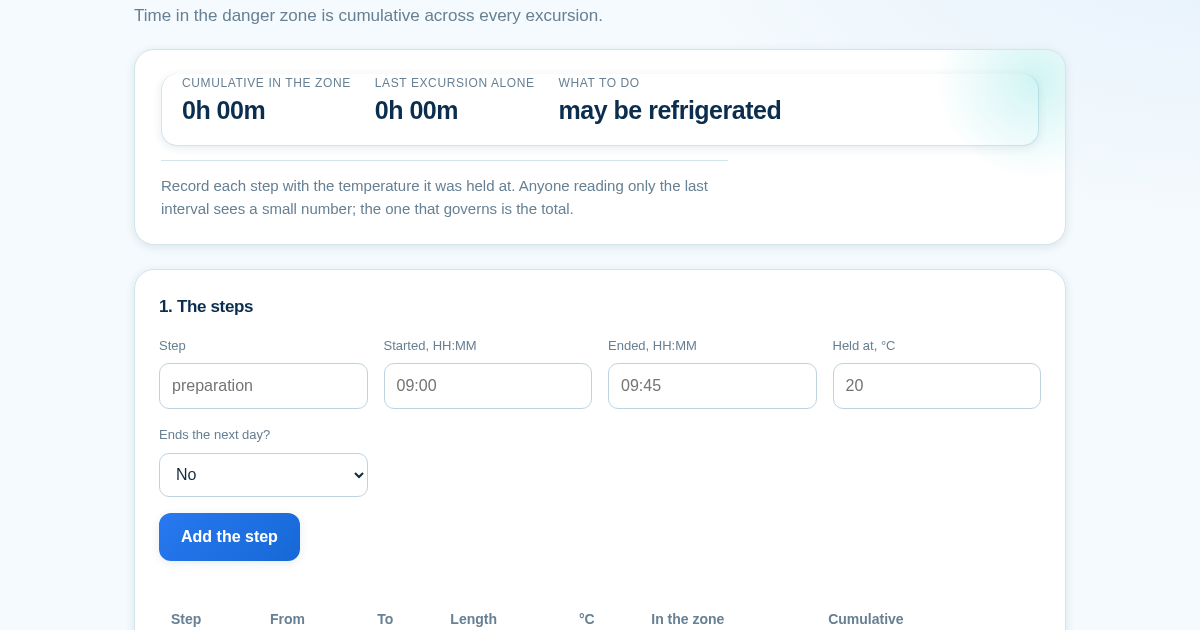
- Add one row per step — preparation, transport, display, service, and the time in between — with the temperature it was held at.
- Read the cumulative figure, not the last row.
- Check which band the total falls in, and remember each step is one-way.
- Enter the three cooling times to check both stages separately.
ماذا تكسب
- Adds up the total time food has spent in the temperature danger zone across every step, not just the last reading — the number that decides whether it can still be used or has to be thrown out.
لقطة شاشة
تفاصيل تقنية
كيفية الإعداد والاستخدام
- اشترِ الترخيص — يظهر مفتاحك (lic_...) في صفحة الطلب وبريدك الإلكتروني.
- سجّل الدخول في app.synoriaai.com بمفتاح الترخيص.
- لا حاجة للتثبيت — يعمل المنتج في المتصفح على نسختك المعزولة.
- 1. Open the page and enter a label for your first step (e.g., 'preparation').
- 2. Set the start time, end time, and temperature for that step, then click 'Add step'.
- 3. Repeat for each step in your process, including refrigeration periods (e.g., 'fridge' at 4°C) — these pause the danger-zone clock.
- 4. After adding all steps, review the cumulative danger-zone time and the last excursion shown; the page will flag if they disagree.
- 5. Check the cooling stages separately — the same total time can pass or fail depending on how it's split.
الأسئلة الشائعة
What happens if I forget to enter a temperature for a step?
The step is rejected rather than treated as 0°C, because an unrecorded step counted as safe would hide a real risk.
Does refrigeration reset the danger-zone timer?
No — cooling pauses the clock, not rewinds it. The cumulative time across all steps is what matters, and the page shows this clearly.
How does the page handle steps that cross midnight?
It calculates the duration explicitly rather than guessing, so an overnight hold won't show as a negative length.
منتجات ذات صلة
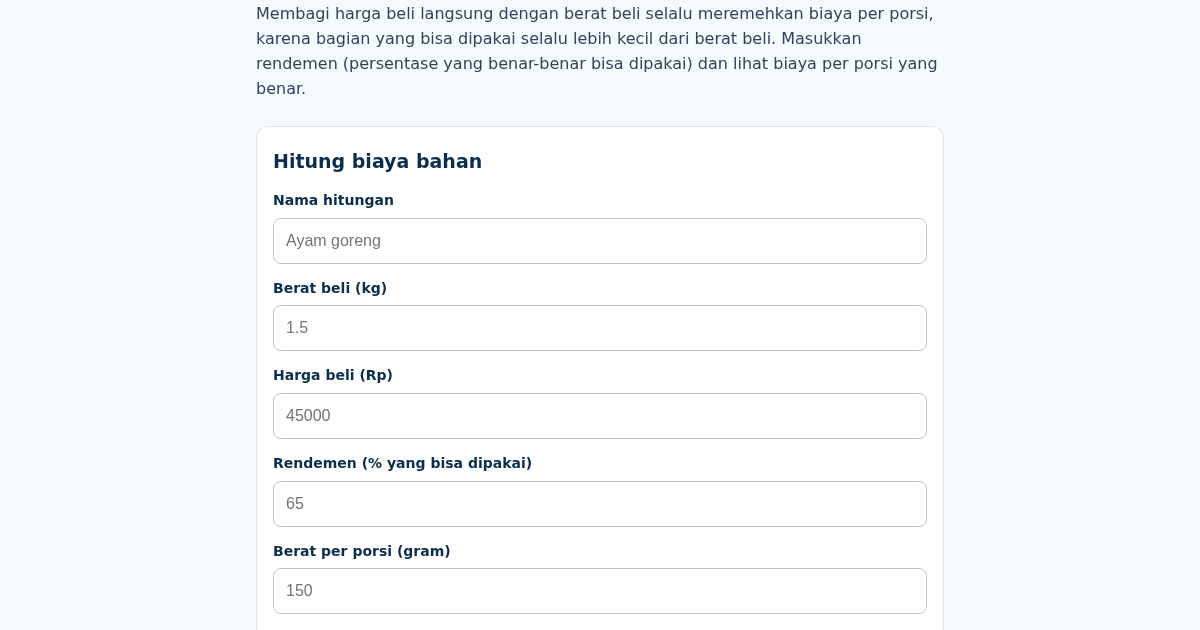
BiayaBahan: Indonesian Restaurant Ingredient Cost Calculator
Membagi harga beli langsung dengan berat beli selalu meremehkan biaya per porsi, karena bagian yang bisa dipakai (setelah tulang, kulit, atau kupasan dibuang) selalu lebih kecil dari berat beli. Masukkan berat beli,…
BiayaBahan: Indonesian Restaurant Ingredient Cost Calculator
Membagi harga beli langsung dengan berat beli selalu meremehkan biaya per porsi, karena bagian yang bisa dipakai (setelah tulang, kulit, atau kupasan dibuang) selalu lebih kecil dari berat beli. Masukkan berat beli,…
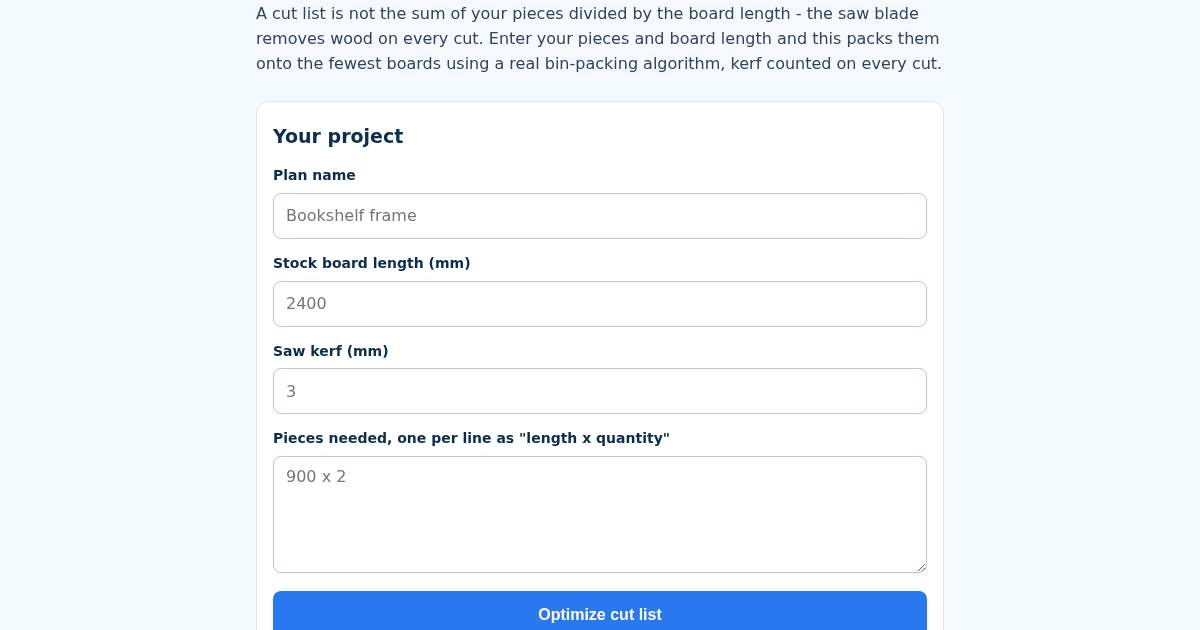
CutList: Woodworking Project Planner with Cut List Optimizer
A cut list is not the sum of the pieces you need divided by the board length - the saw blade itself removes wood on every single cut, and skipping that turns a plan that fits on 2 boards into one that comes up short on…
CutList: Woodworking Project Planner with Cut List Optimizer
A cut list is not the sum of the pieces you need divided by the board length - the saw blade itself removes wood on every single cut, and skipping that turns a plan that fits on 2 boards into one that comes up short on…